
Open any tool
Pick a tool and open your file.
DotWild Software Suite · Utilities first
.csv
that sort of thing
Small software for useful jobs. Thirty-two local tools so far, for PDFs, images, files, text, spreadsheets, code and charts.
Three free exports. No email. No card.
Utilities
Every tool opens in your browser. Choose one, open your file and save a new copy.
A look inside
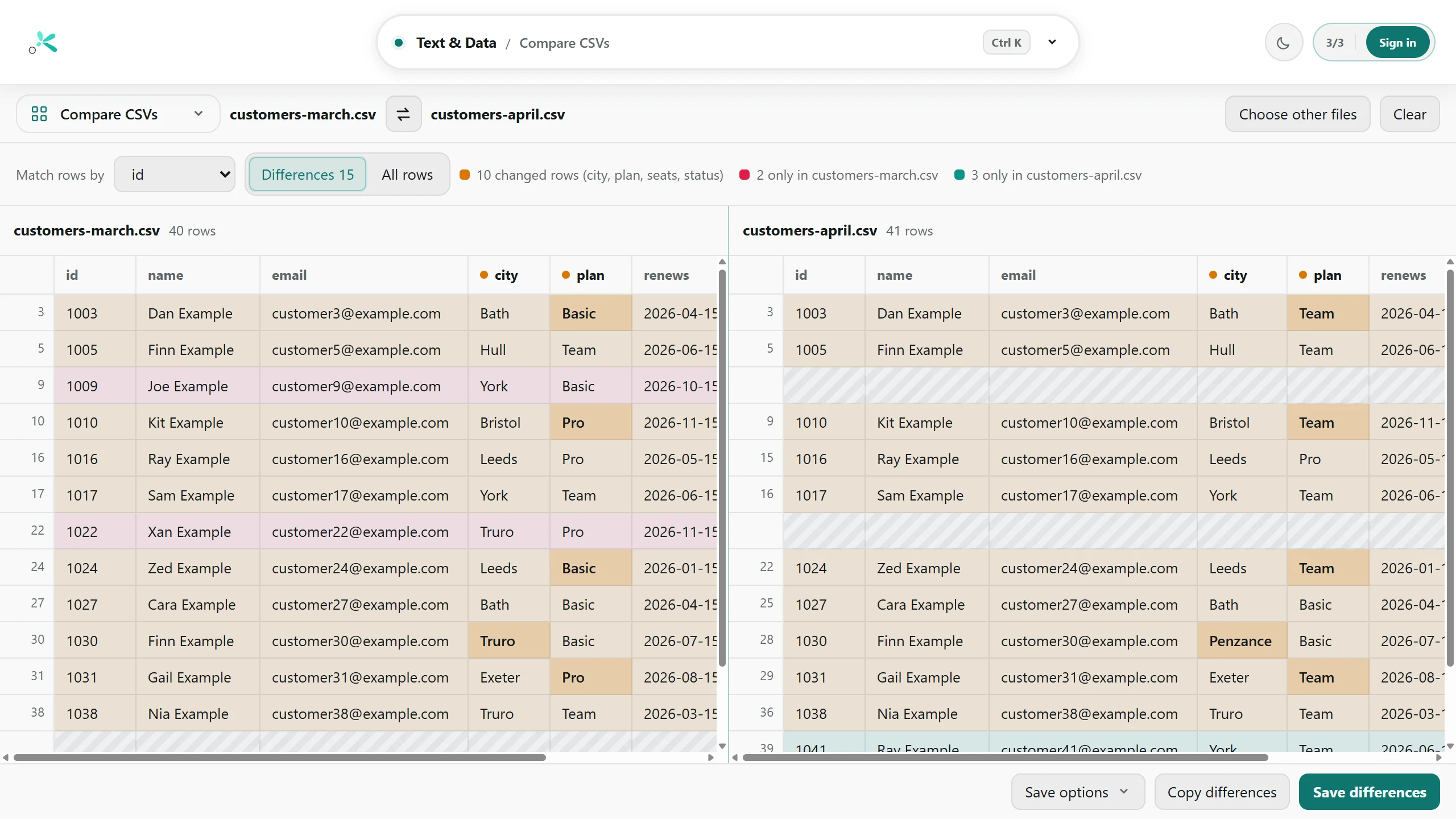
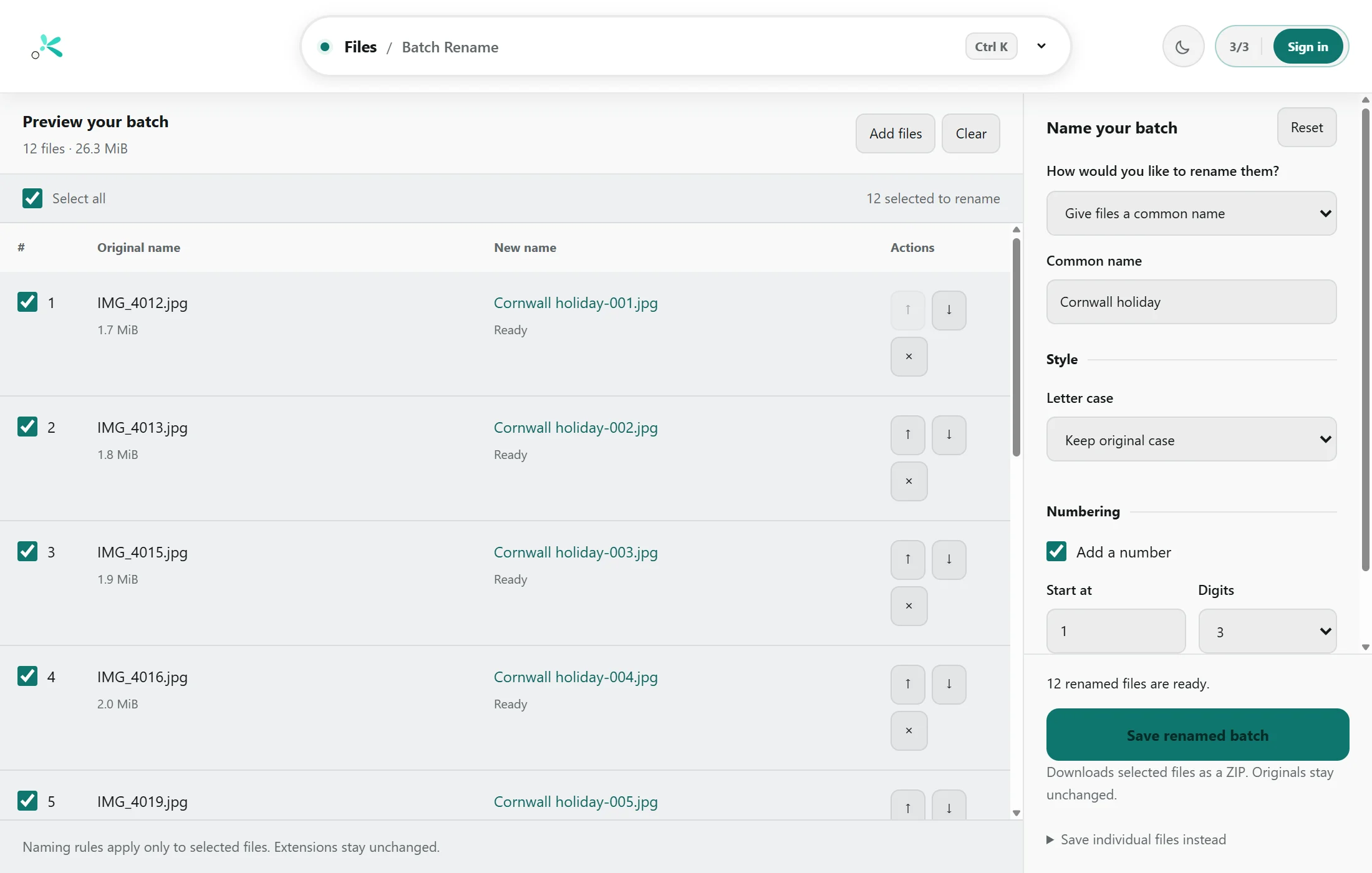
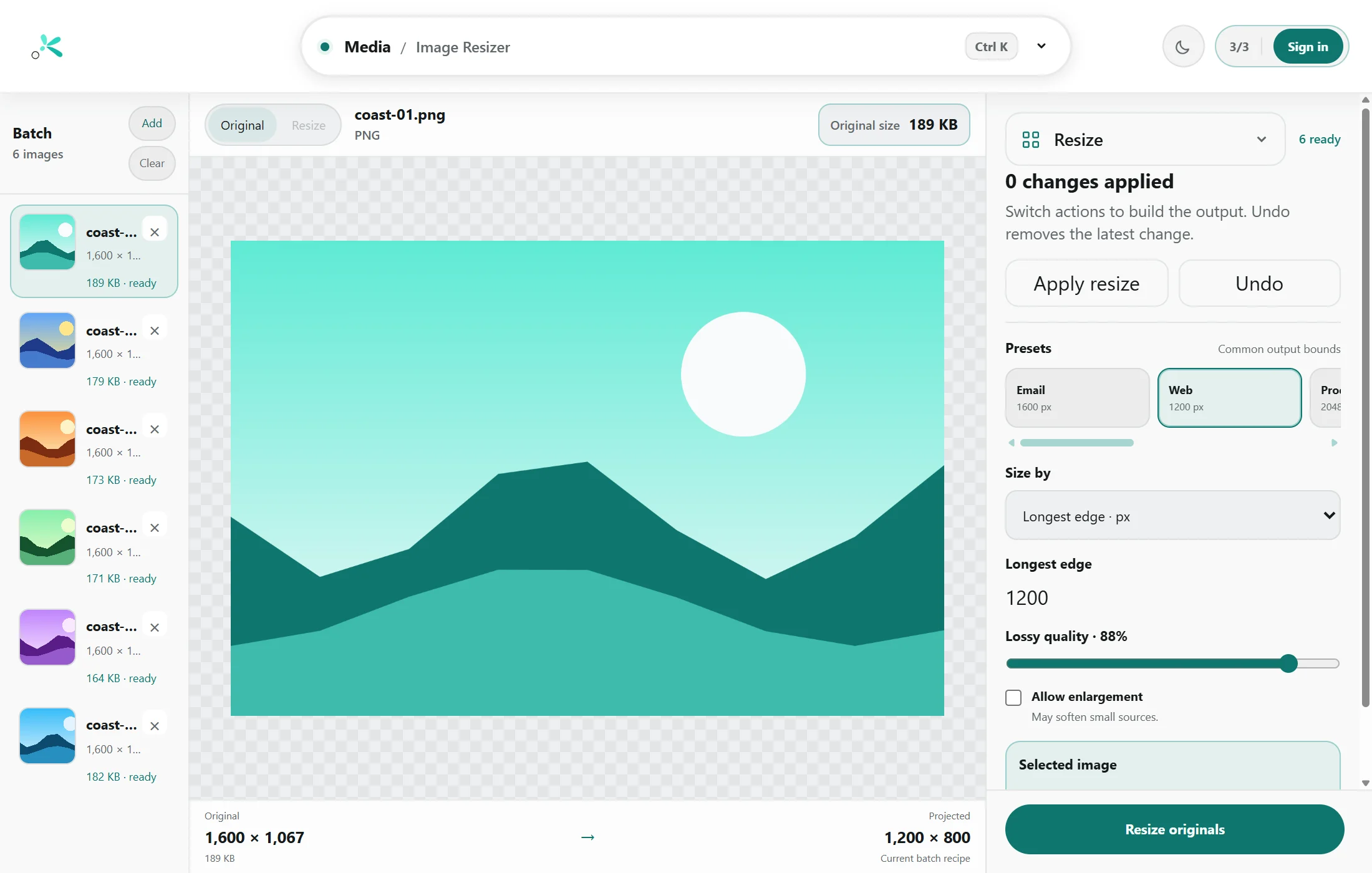
See the result before you save it. Your original stays as it was.
Applications · Later
DotWild will grow beyond utilities, with one Suite Home in the browser and desktop app. No standalone applications are public yet.
See the current planLocal by default
Your computer does the work. We don’t get a copy of your files, and neither does an AI model.
A payslip, a contract, a photo of your dog. None of our business.
Loading the app and signing in use the internet. Your files stay here.
Trying it
You can save three outputs across the suite in this browser without an account. We don’t need your email address just to find out whether a tool does the job.
Pick a tool and open your file.
A go counts when you save a result. Cancelling before any output is saved does not use a go.
After your three goes, you’ll need to sign in with access to the module to save more.
Pricing
A handy tool shouldn’t become a line in your monthly budget.
Pick your bit
£0.99 /year
A year with every tool in your chosen module.
The whole toolbox
£4.99 /year
A year of every Utilities module.
Bought separately, the six modules cost £5.94. Utility Pro covers all of them for £4.99.
Desktop
Prefer an app in your taskbar? We’re working on the Windows version. The browser tools are here whenever you need them.
FAQ
Tidying a spreadsheet or renaming a folder of photos shouldn’t involve comparing subscription tiers. We’re making the suite we’d like to keep bookmarked: useful when something needs doing, quiet the rest of the time.
Your computer handles the files, so we’re not paying a server to process each one. There’s still software to build and account services to run. That’s what the price is for.
All of them. Your three free goes are shared across the whole suite, so use them on whichever jobs you need.
No. The tools run in your web browser. A Windows app is in testing for people who’d rather have one in the taskbar.
You need a connection to load the browser tools and sign in. Once a file is open, the processing happens on your computer.
The files you save are ordinary PDFs, images, spreadsheets, text files and ZIP archives. Open them elsewhere, send them to someone, or never use us again. They’re yours.
That’s usually how a tool starts. Something takes longer than it should, and we get a bit fed up with it. If you’ve got one of those, tell us about it.
To see what’s being worked on, read the roadmap.
Then do the job, and go back in the drawer. You’ve got better things to do than spend your day here.
Open Utilities